Payments have moved
Paying online just got easier!
We’ve integrated the upgraded payment process directly into your online account.
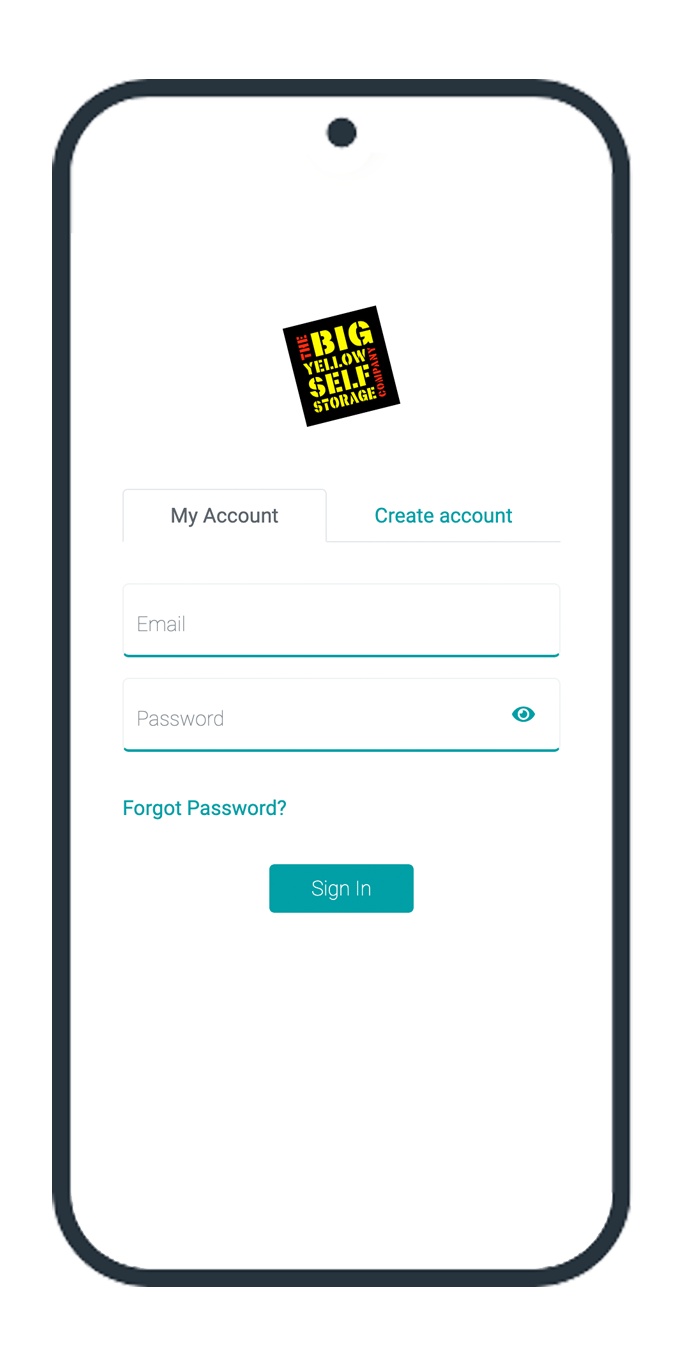
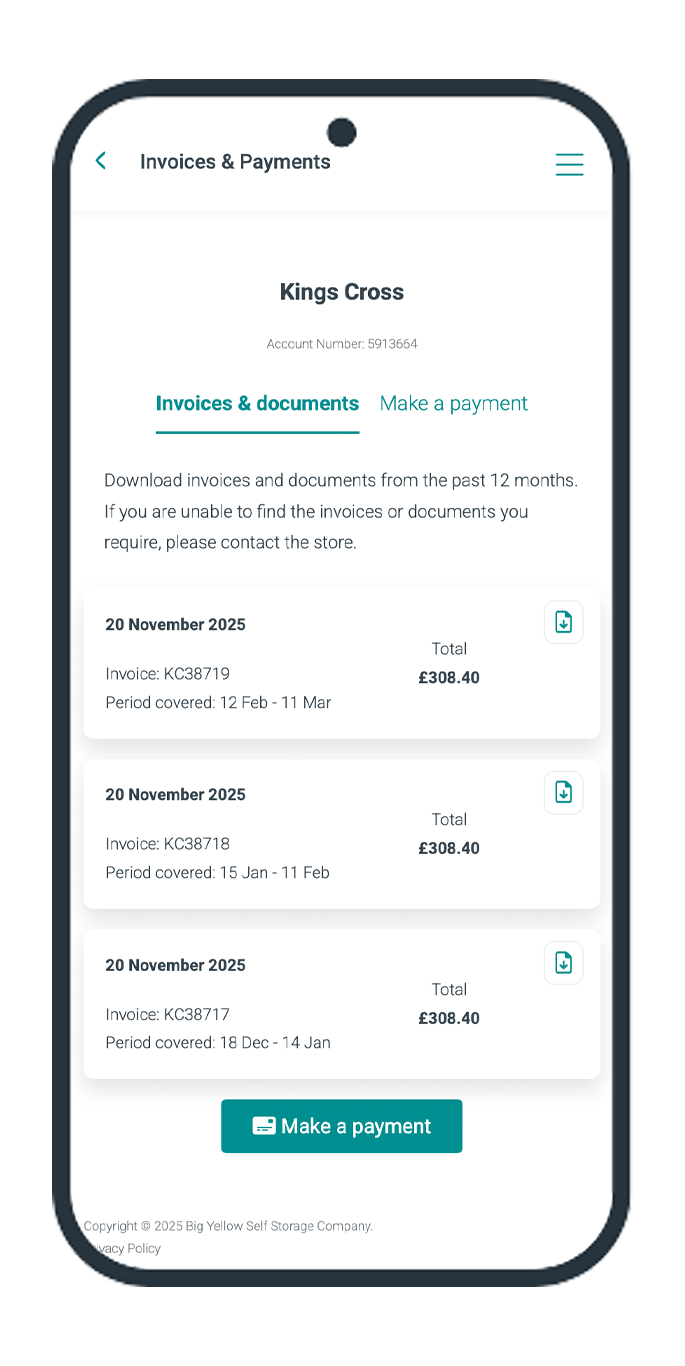
Helping you keep track
you can now view and download all invoices from the past 12 months
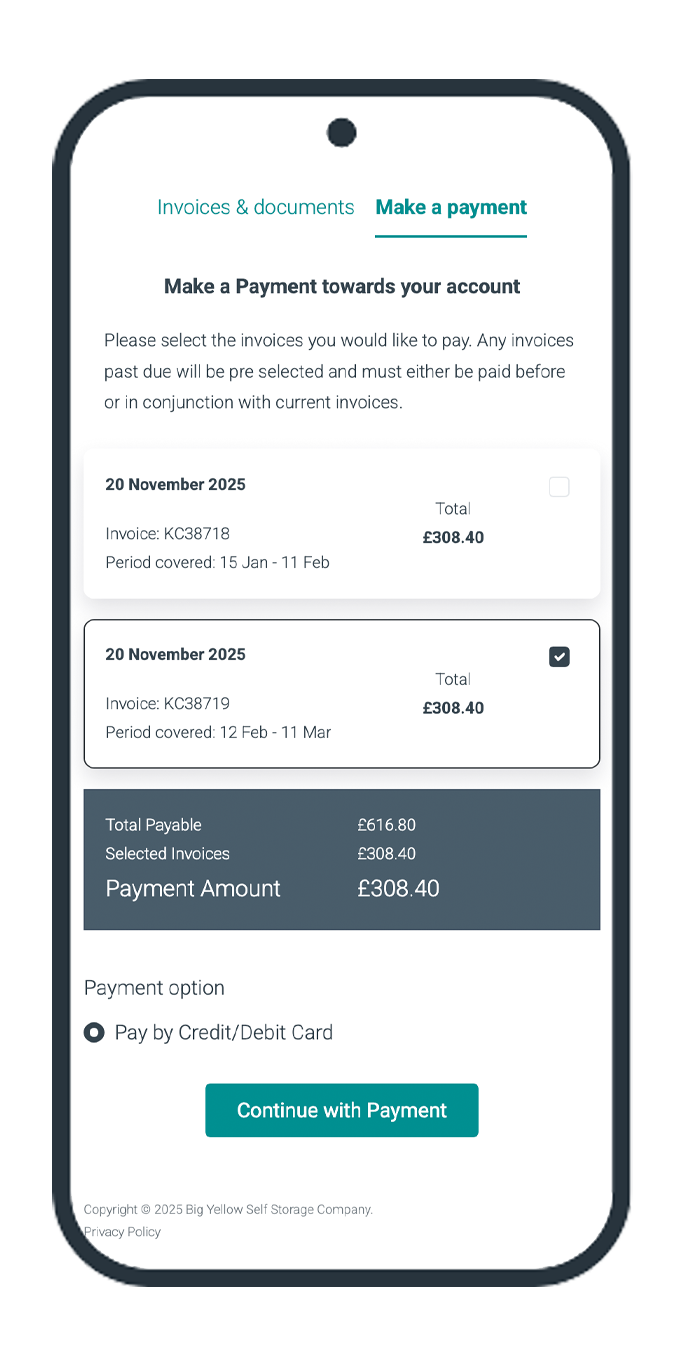
Quick & Easy Payment
Easily select the relevant invoices to pay and have clear visibility of the status of your account with us
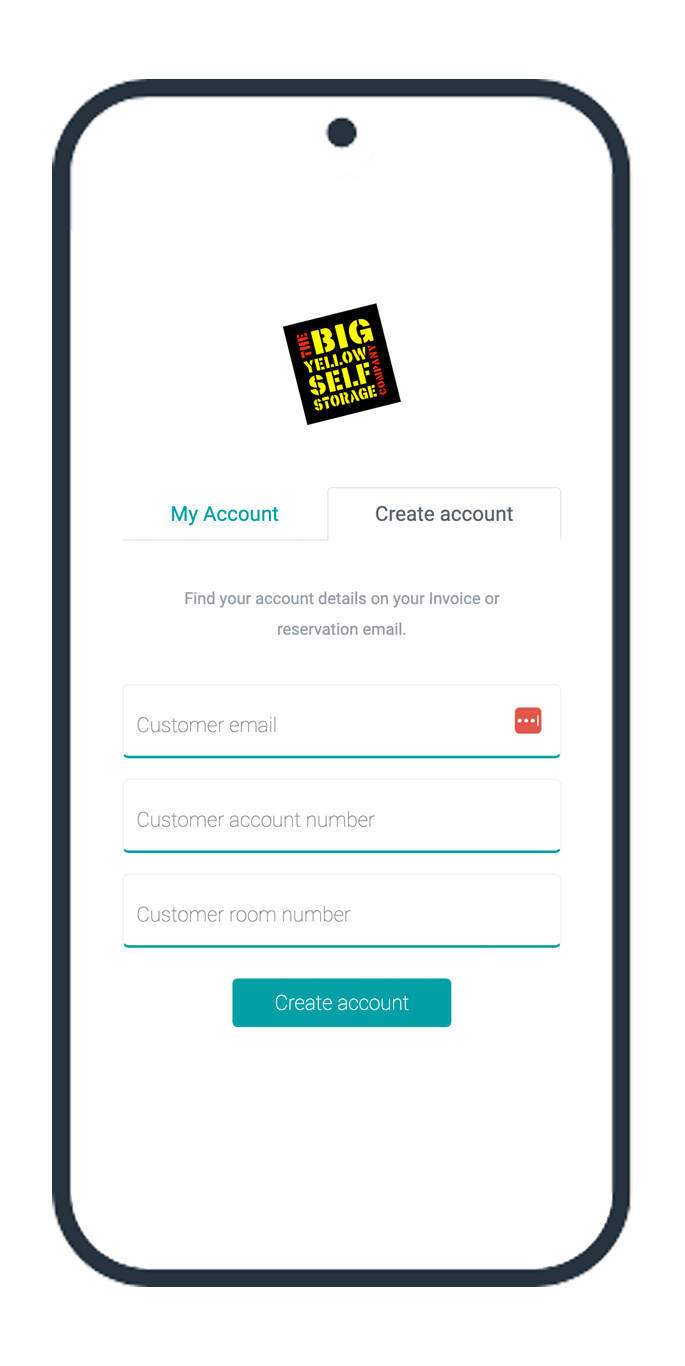
Don't have an online account yet?
Create an online account
Use the account holders email address and the customer account number and room number from the most recent invoice.
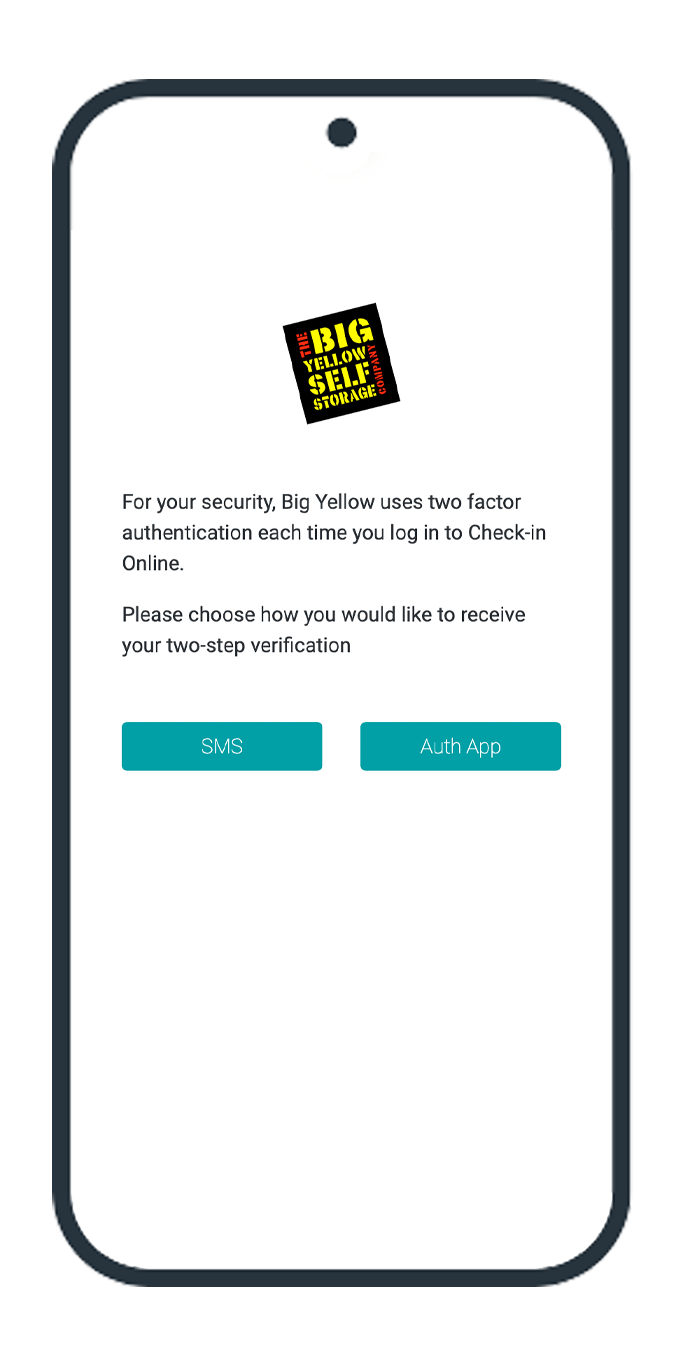
Choose your two factor method
We offer text message or authentication app - if you have a foreign mobile number we recommend using an authentication app.
Frequently asked questions
An email will only be sent if there is an online account associated with the email address entered.
Try creating an account instead. If you already have an account, you will be redirected to the sign in page. Otherwise it will just let you set up your account.
Although this is not automatic, it is very easy to set up and if you're already a customer and completed your check-in online, you'll already have created an account.
The easiest way to check if you have an account is to go to My Account and create an account using your own email address and your customer number and room number. You'll find these details on your invoice or reservation email.
Once you've set your account up, you will only need your username and password plus your two factor method of choice the next time you login.
And if you already have an account, you'll just be redirected to the Sign In page.
Once logged in, you can view, download and save all previous invoices and payment transactions within the past 12 months.
Go to the create account page to start your account creation. You'll need the email address you used when you started storing with us and your customer account number and customer room number will be displayed on your invoice - or reservation email if you're a new customer.
Follow the instructions on the screen - you'll be asked to set up a password and choose a two factor method.
Then you're done.
Your account will show your all invoices and payment transactions within the past 12 months.
If the total inside your account is displaying £0 you have not selected an invoice to pay.
Please click in the empty box on the right hand side of the invoice to select it.
The total will then change to the value of the invoice and you will be able to proceed with your payment.
Payments online has been upgraded, is more secure and now accessible within your online account, behind your chosen two factor authentication.
Access our quick guide to payments here and see how it will look.
It includes copies of all invoices and transactions for the past 12 months.
These are instantly updated for you to download and save as soon as they are added to your account or paid.
You can also add more than one storage account to the same online account, meaning if you have multiple rooms across multiple locations, you can pay and see your invoices all in one place.
Yes. As soon as your payment is complete, your official receipt is instantly available for you to view and download within the Invoices & Documents section of your online account.
Before you can store with us, we require certain information. To avoid delays at the store we recommend you create an online account and complete Check-in Online before you arrive.
You will be asked to complete 5 main sections: Personal Information or Company Information, Security & Access, Direct Debit, Customer Licence, and Inventory of goods stored.
Security & Access contains 3-4 subsections depending on the store you are storing with. We partner with Yoti to do your Identity check. If you're a business customer you will also need to provide proof of authority to deal with the account on behalf of your company. Another section asks you to provide us with an Authorised Person - someone we can contact in an emergency, that you can also give access to your room or control of your account if you wish to. Any persons entered here must have different contact details to your own.
Your personal details will be confirmed back to you from what you completed during your reservation and you have the opportunity to amend them if you so require.
Once you're a customer your online account gives you access to your all invoices and payments, The check-in online section however is only visible before you move in.