Get Big Yellow storage access on your phone
Speed up your storage experience and improve security. With our new app, you won’t have to remember your PIN. You can now use your phone to open the main gate, access the loading bay, the storage areas and the lifts.

Installing the App
1
Look out for these texts from us
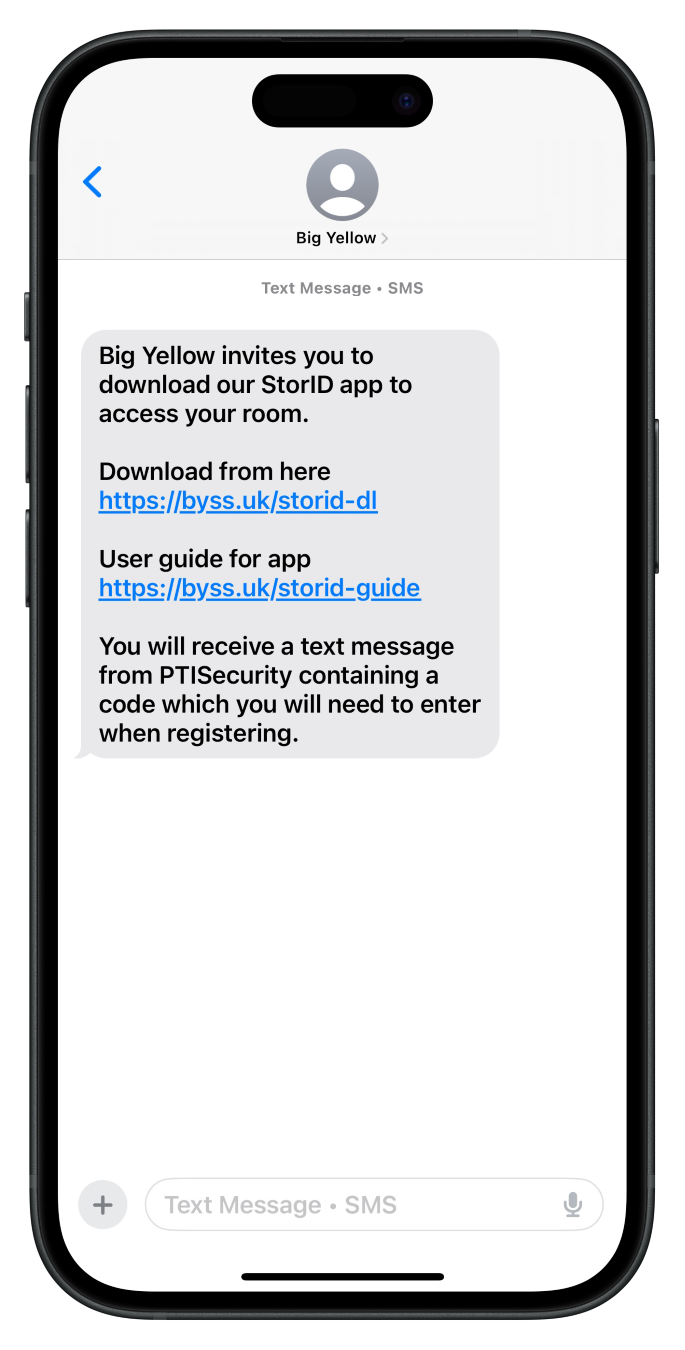
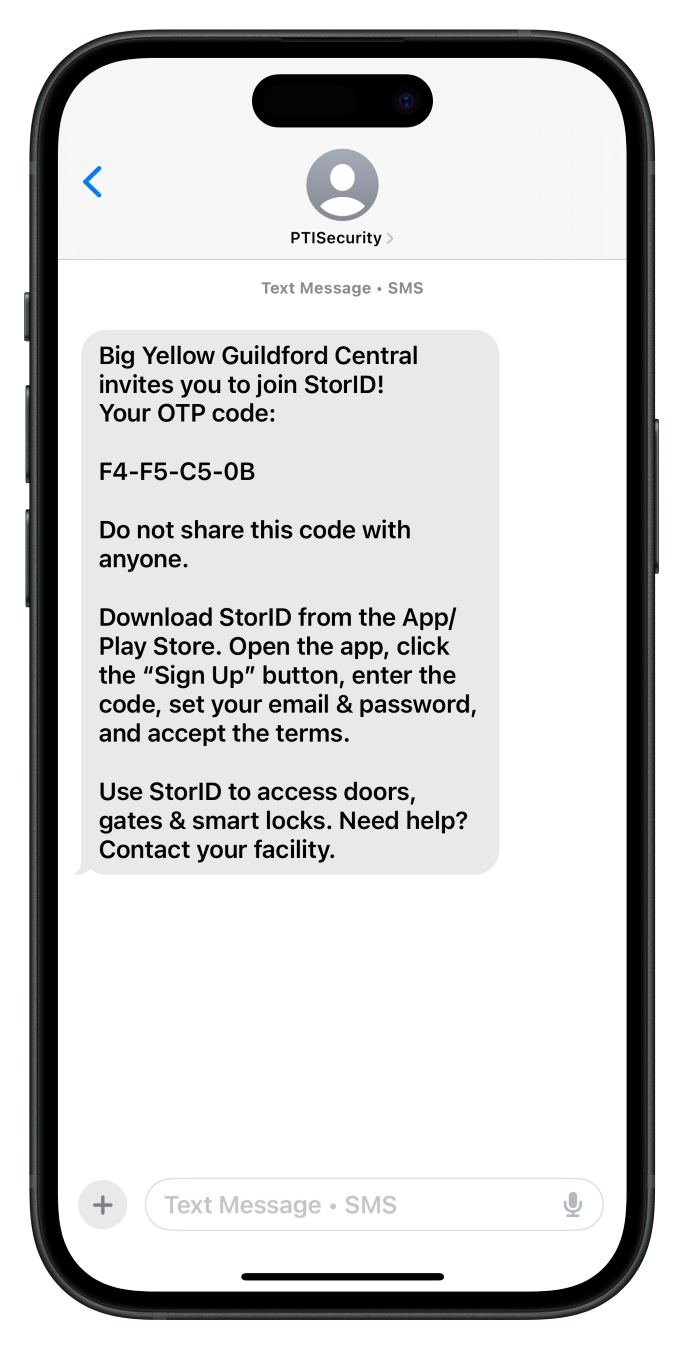
Your Big Yellow store will text you two messages, one contains the app download link and the other contains the registration code.
If you haven’t received the texts, please talk to your store team.
2
Download the StorID app
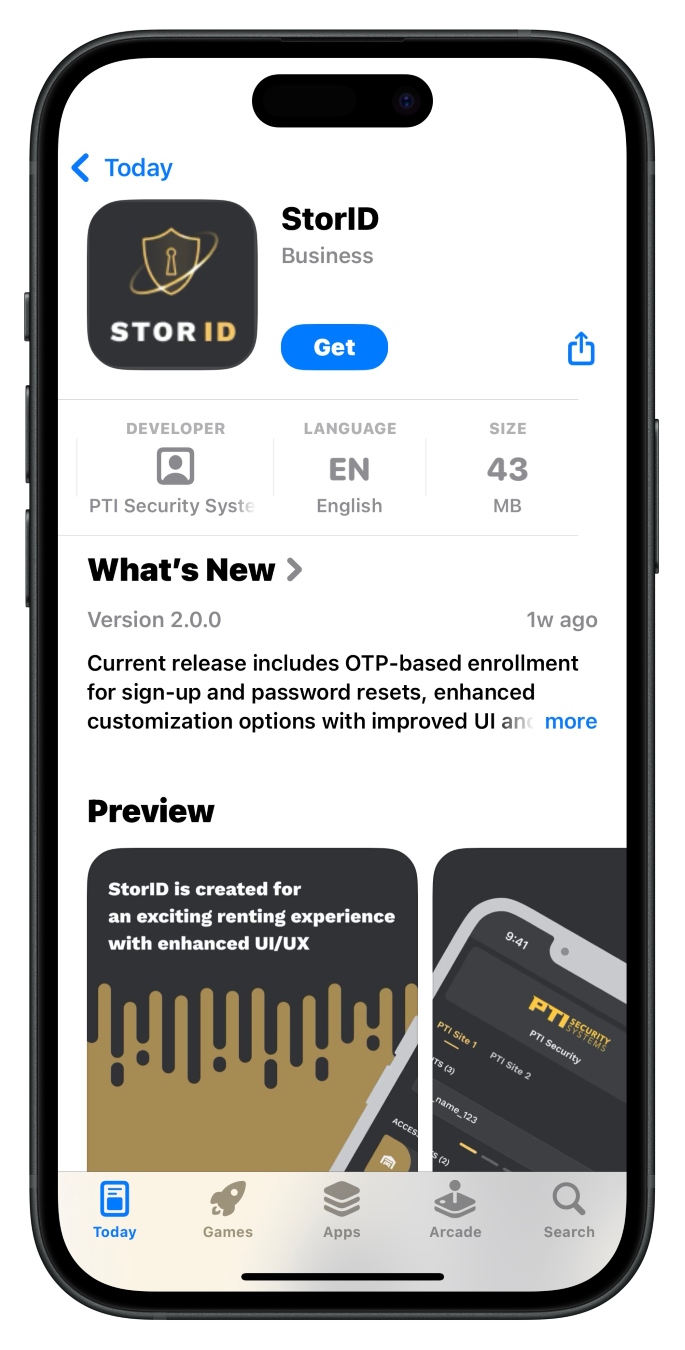
Click the download link in the text message or at the top of this page to download the StorID app.
StorID is Big Yellow’s tech partner.
3
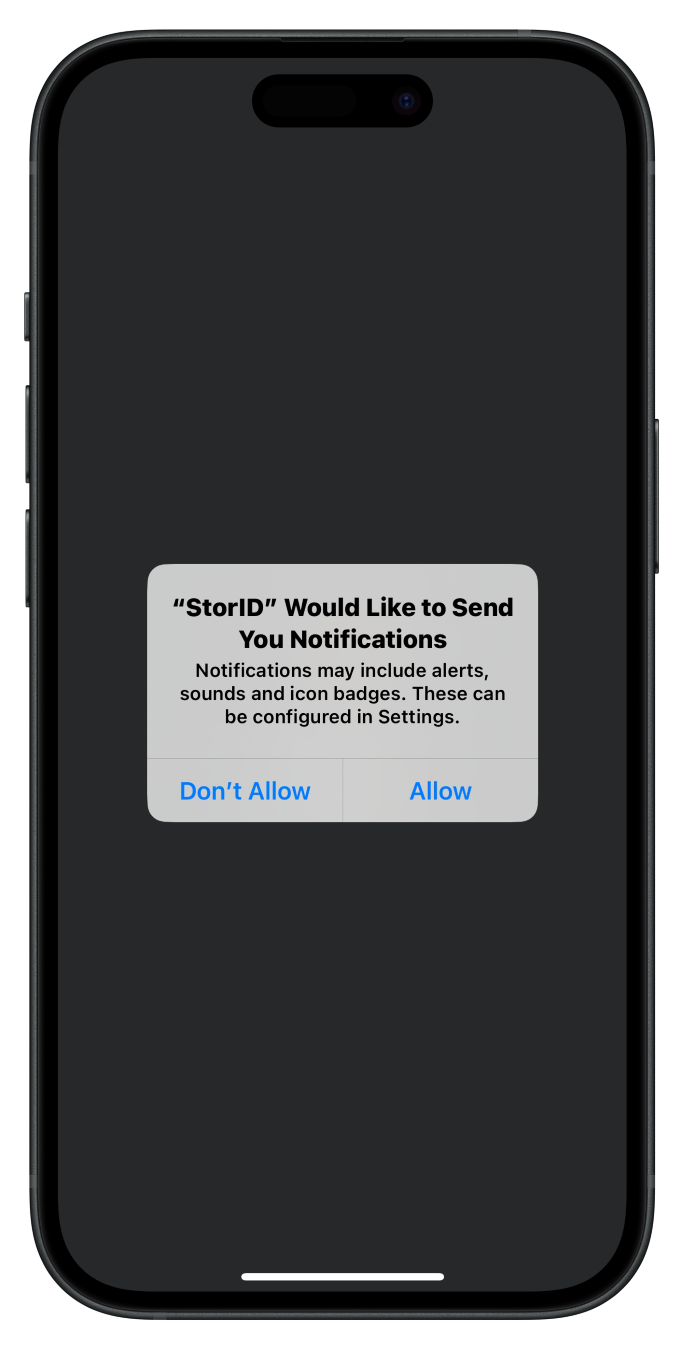
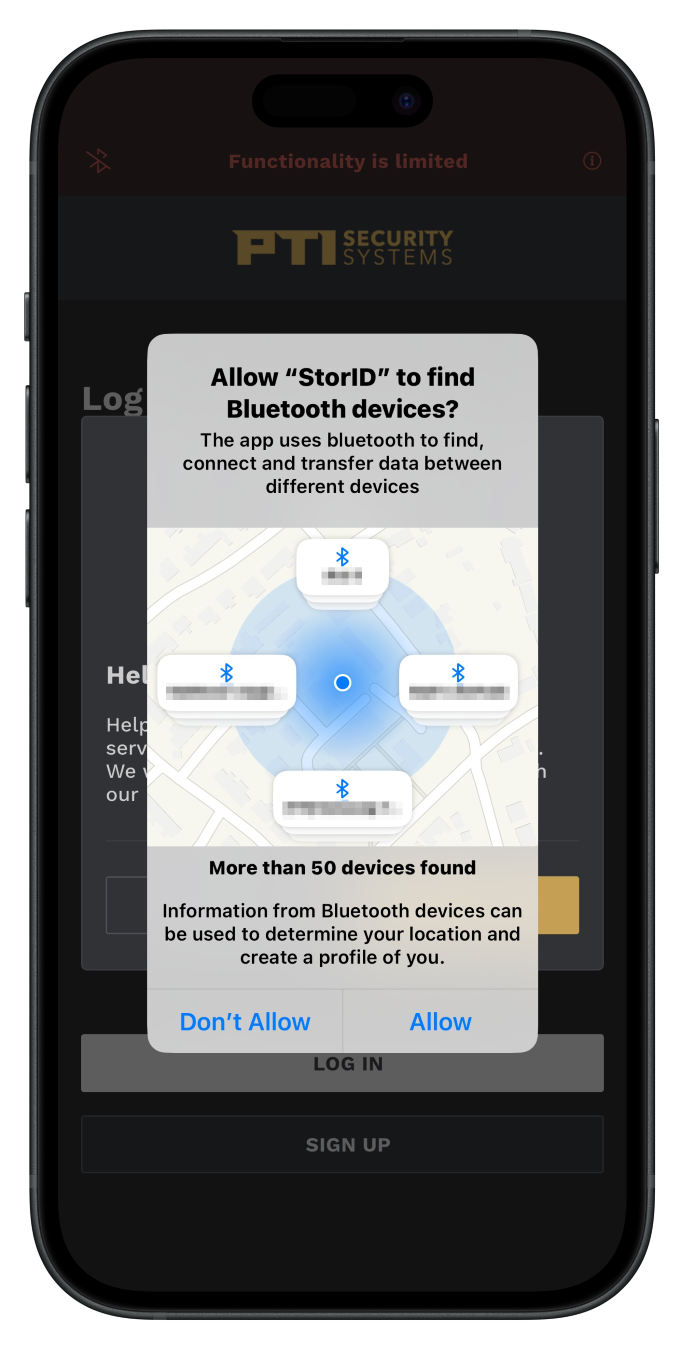
Open app and allow permissions
Once downloaded, open the app and allow the request for notifications and Bluetooth.
4
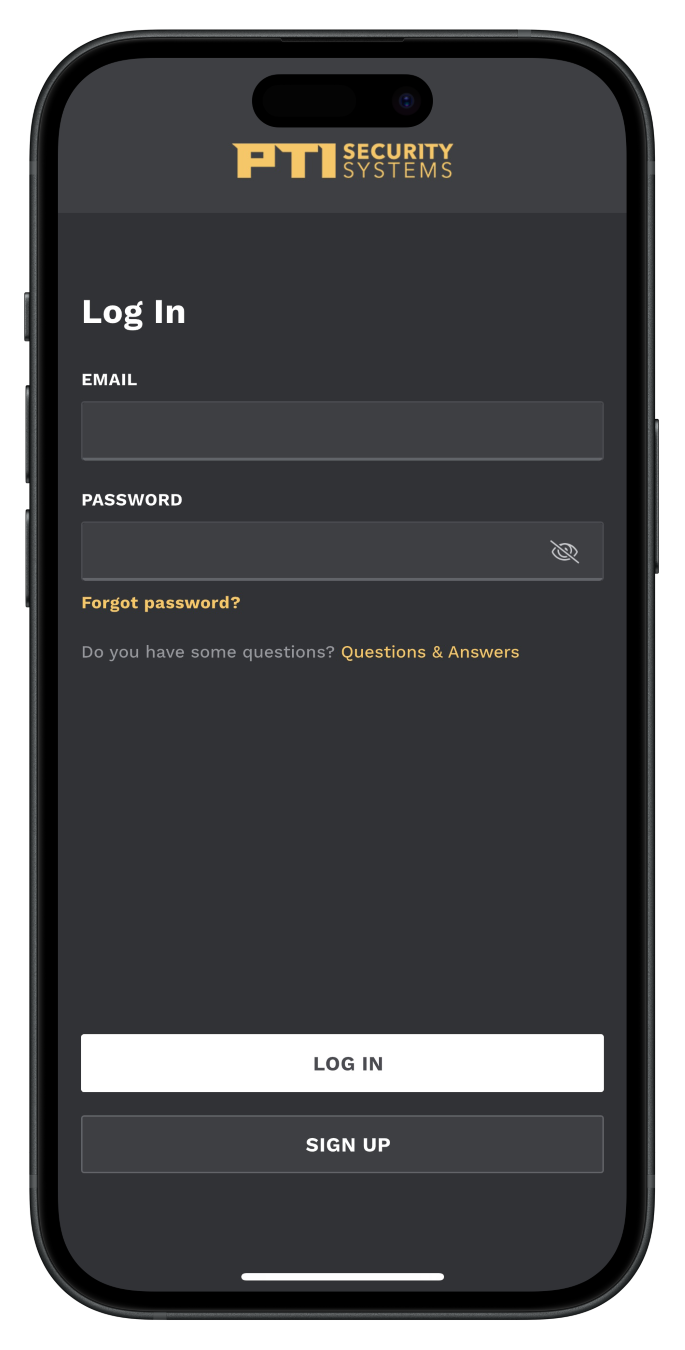
Sign Up or Log In
If you do not have a StorID account click the Sign Up button, if you already have an account click the Log In button and skip to step 8.
Signing Up
5
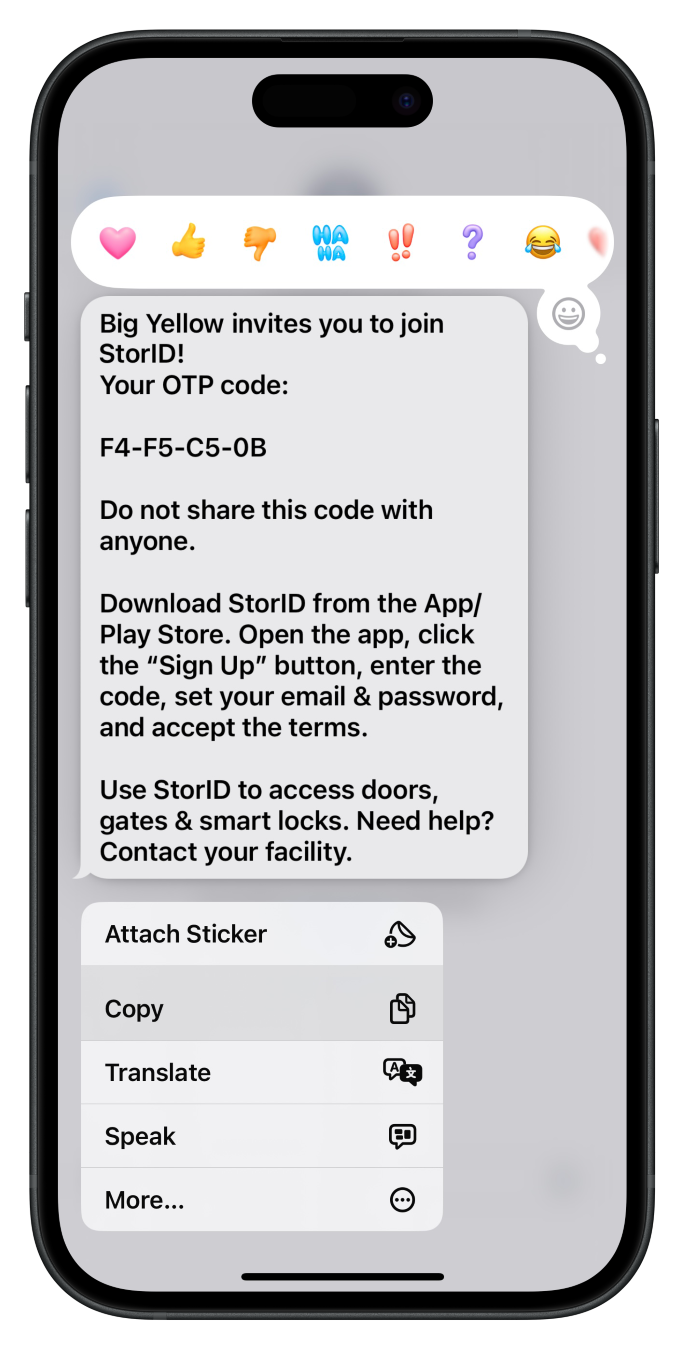
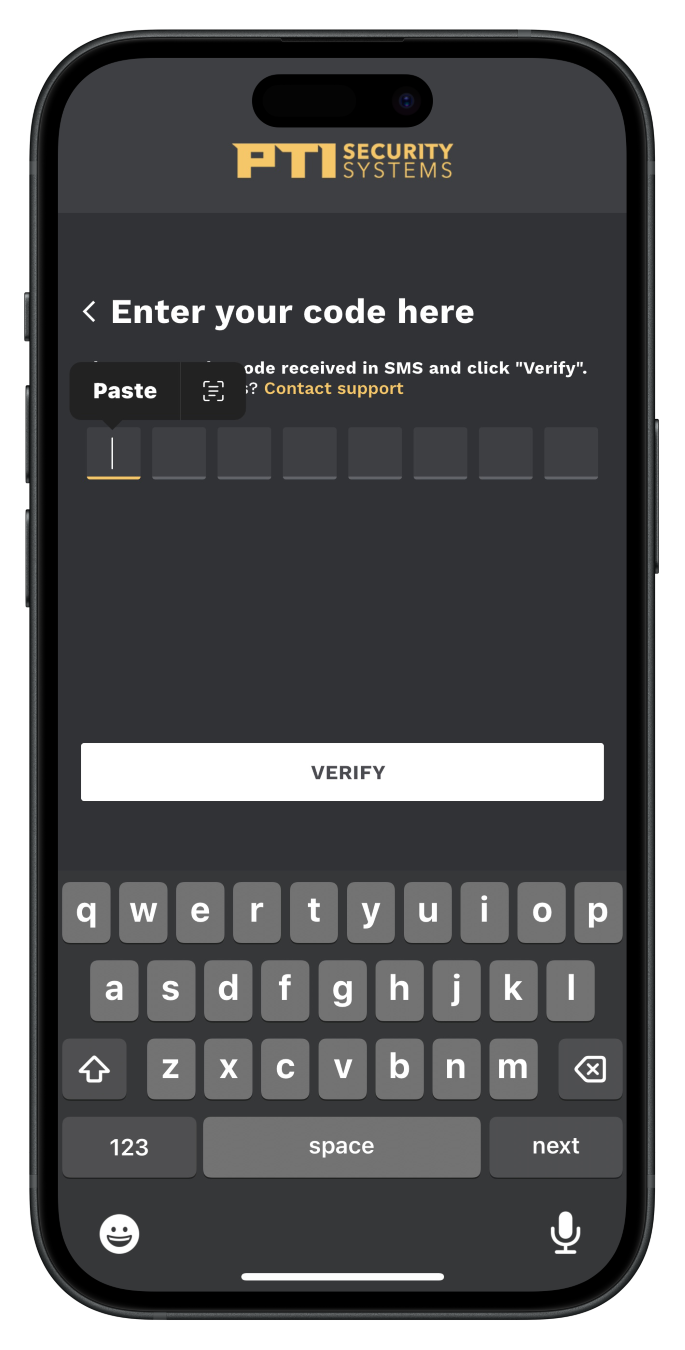
Copy code from text into the StorID app
Find the text message from PTISecurity and copy the message. Switch back to the StorID app and paste this code into the first box.
You can also manually type the code in.
6
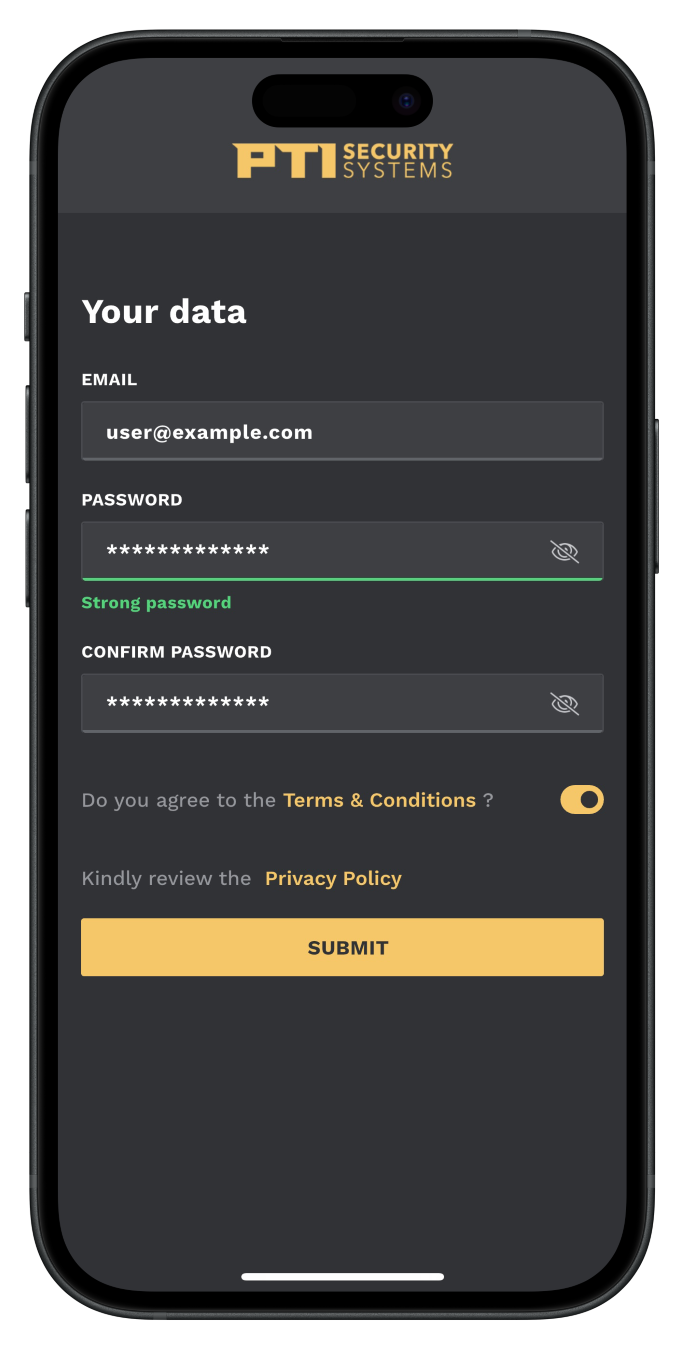
Enter your email and create a password
Don’t forget to agree to the Terms & Conditions.
7
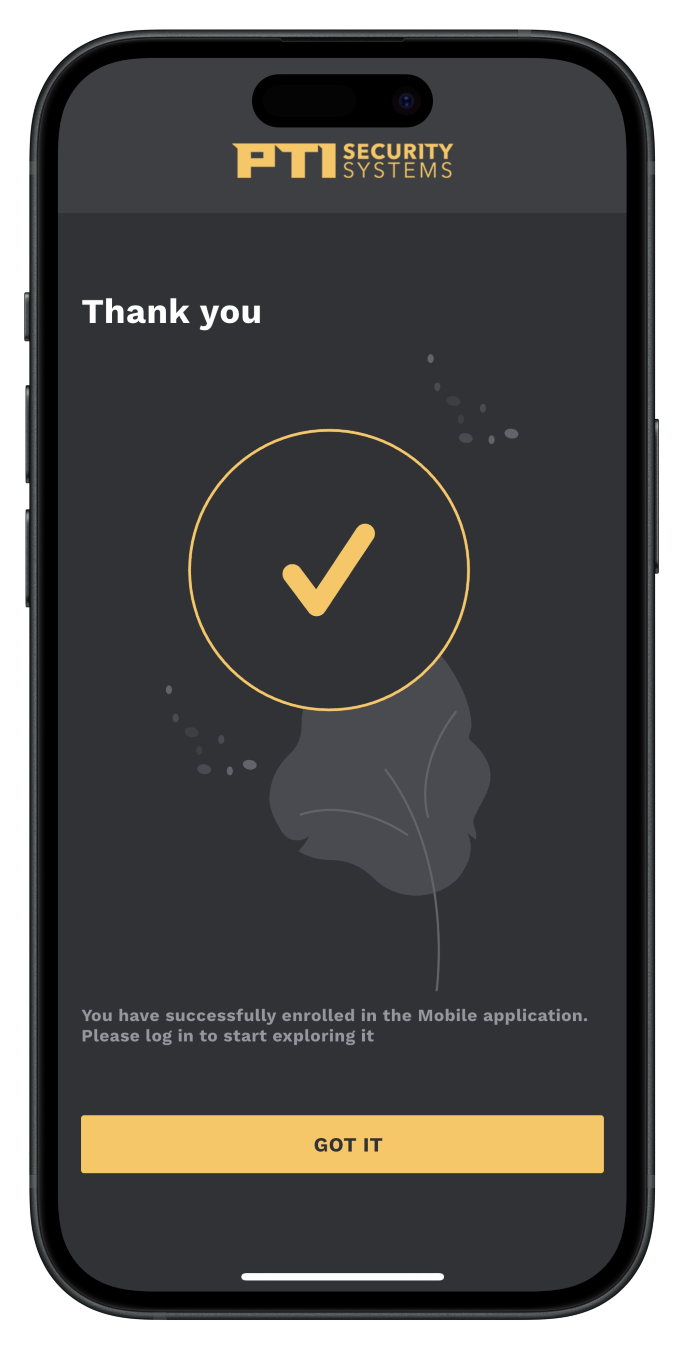
Account setup is complete
Logging In
8
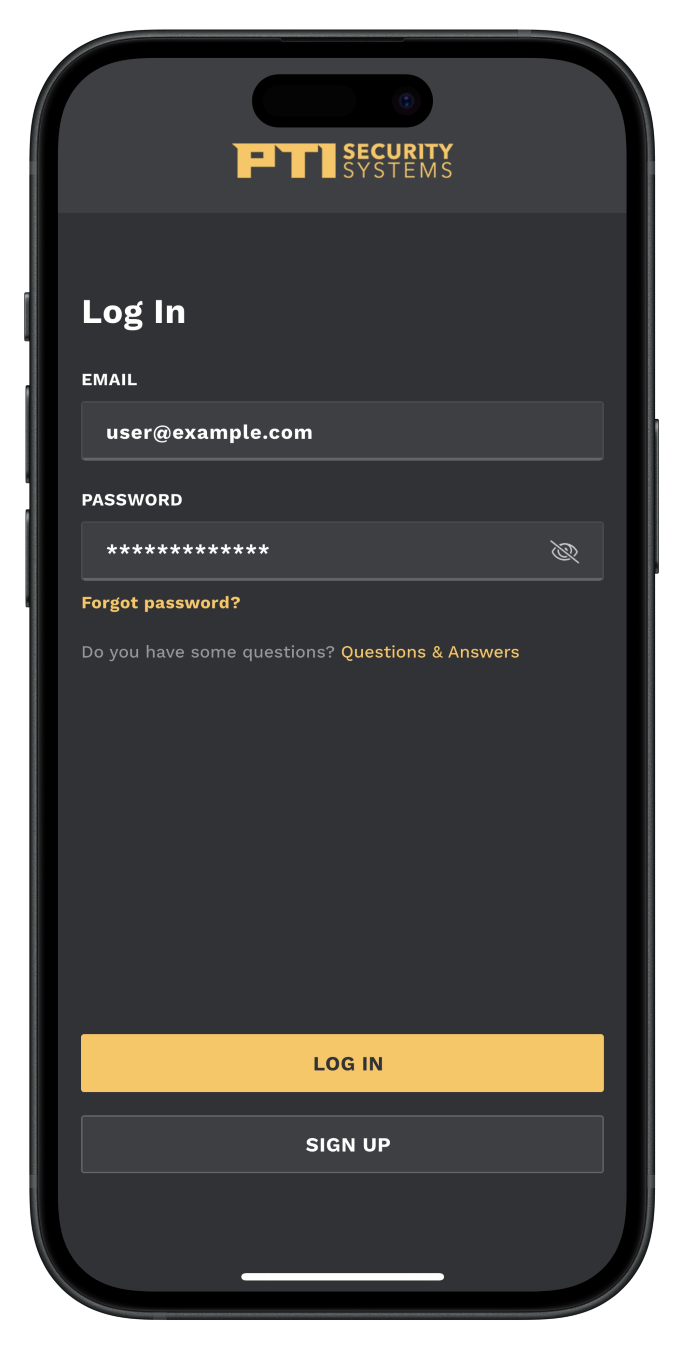
Log in to activate the app
9
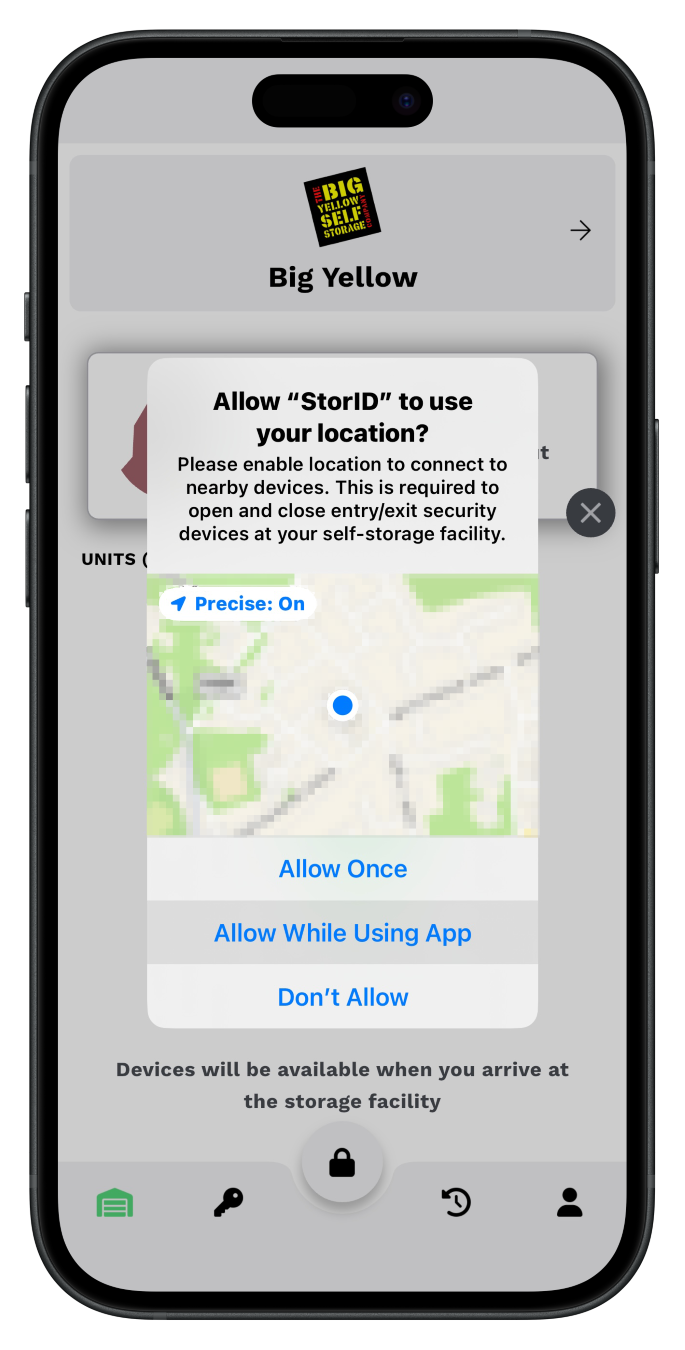
Allow location permissions
Location permissions are required so the app knows what store you are visiting and if you are on site.
10
Your app is now ready to use
Using the App
A
B
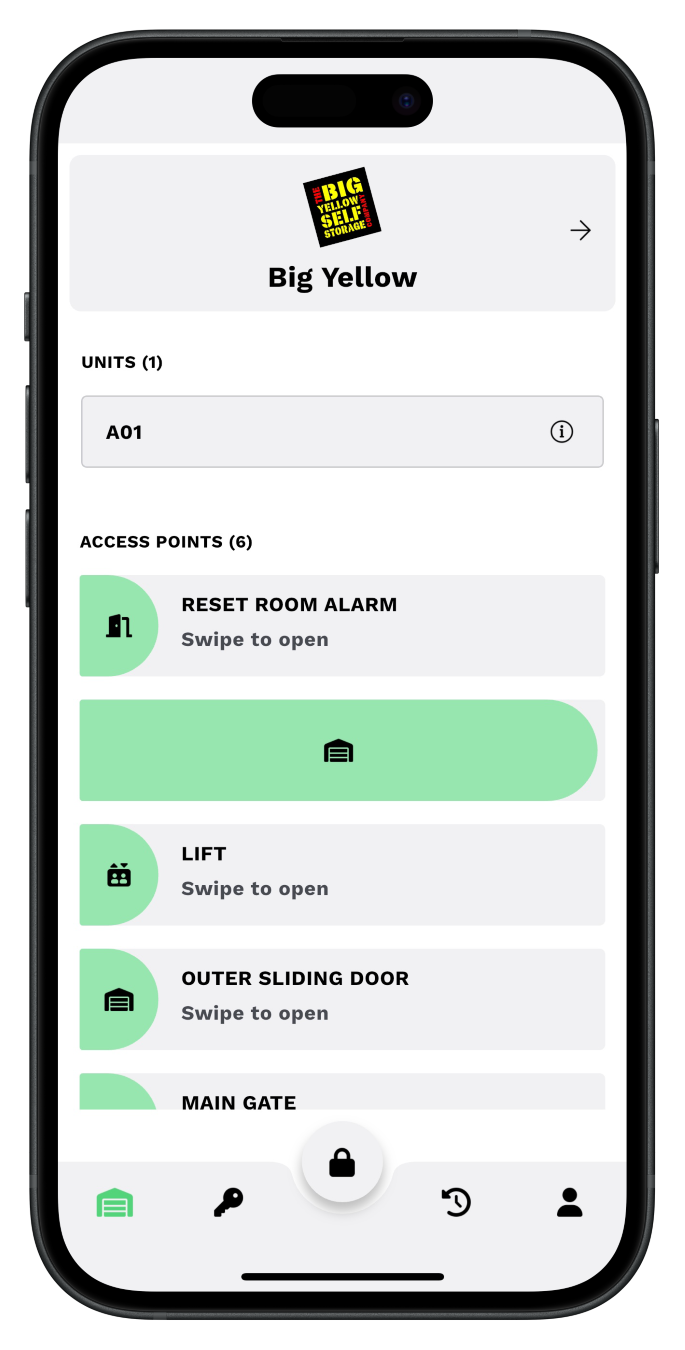
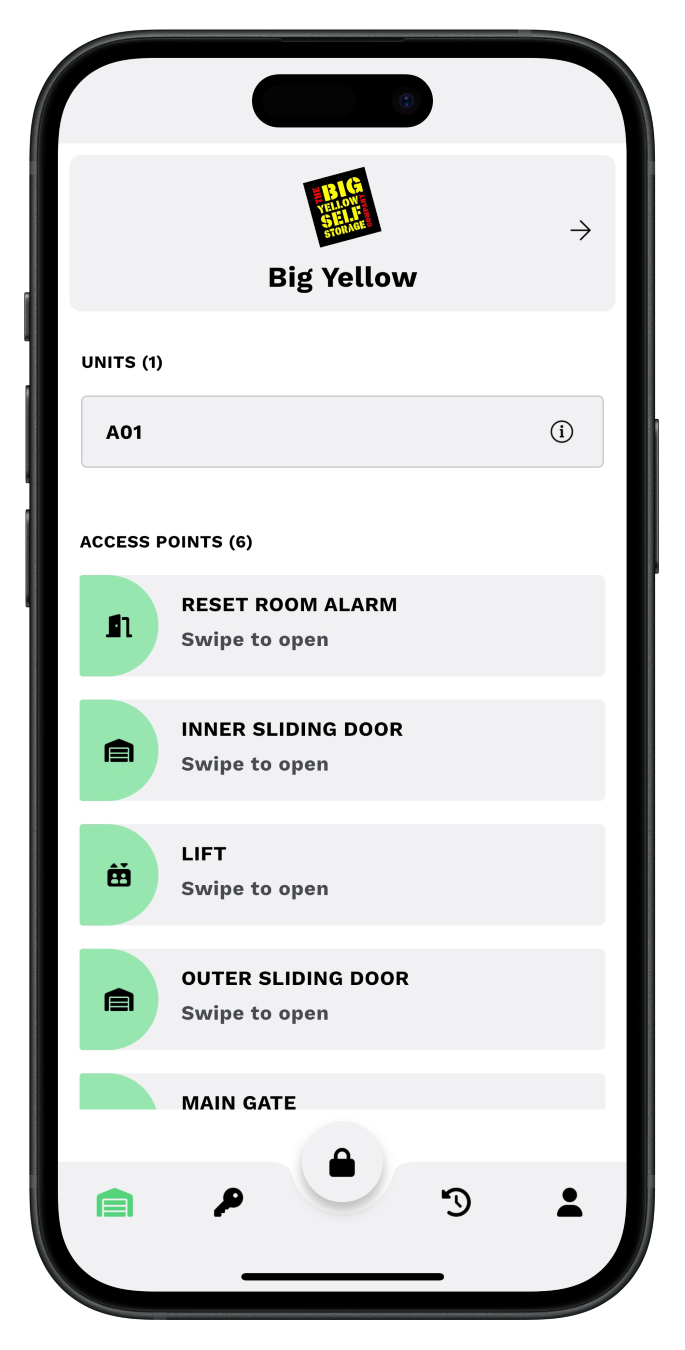
Your app will show the gates, sliding doors and lifts which can be opened using your phone.
A
When you are close by, these access points will turn to green.
B
Simply swipe right on the required access point to open.
Your room alarm will also be deactivated.